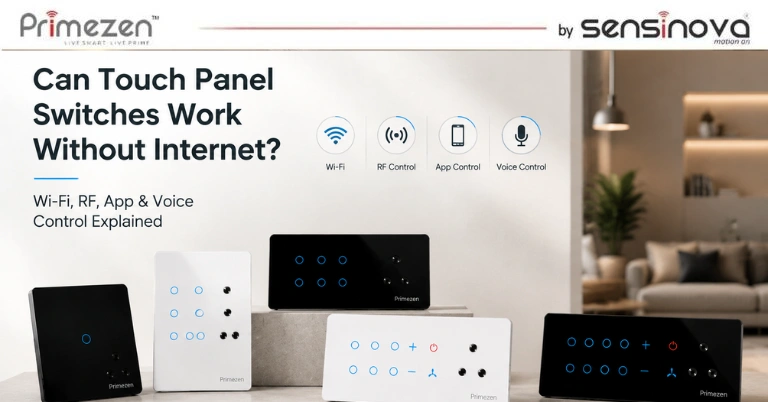
Smart homes are becoming increasingly popular, and touch panel switches are at the center of this transformation. They offer sleek designs, advanced controls, and the convenience of managing lights, fans, and appliances with a simple touch, mobile app, or voice command.
However, one question many homeowners ask before installing a smart touch switch is:
“Will my touch panel switch still work if the internet goes down?”
The answer depends on the type of touch panel switch and the communication technology it uses. In this guide, we’ll explain how Wi-Fi, RF (Radio Frequency), mobile app, and voice control work, when an internet connection is required, and how to choose the right touch panel switch for your home.
Do Touch Panel Switches Need Internet?
The short answer is No—not all touch panel switches require an internet connection.
Even if your home Wi-Fi or internet service is unavailable, most touch panel switches will continue to work as regular wall switches. However, features such as remote access, cloud automation, and voice control may be affected depending on the technology used.
Let’s understand the different control methods.
Types of Touch Panel Switch Control
Modern touch panel switches support one or more of the following technologies:
- Manual Touch Control
- Wi-Fi Control
- RF (Radio Frequency) Control
- Mobile App Control
- Voice Assistant Control
- Smart Home Automation
Each technology offers different levels of convenience and internet dependency.
1. Manual Touch Control (Works Without Internet)
Every touch panel switch is designed to function as a standard wall switch.
Even if:
- Wi-Fi is disconnected
- Internet service is unavailable
- Router is turned off
You can still touch the glass panel to control:
- Lights
- Ceiling fans
- Exhaust fans
- Appliances
This makes touch panel switches reliable for everyday use.
Best For
- Daily operation
- Homes with unstable internet
- Essential lighting control
2. Wi-Fi Touch Panel Switches
Wi-Fi touch switches connect directly to your home’s wireless network.
They allow users to:
- Control switches through a mobile app
- Schedule appliances
- Create automation routines
- Monitor device status
- Access switches remotely
Does Wi-Fi Need Internet?
It depends.
Local Wi-Fi Control
If both your smartphone and touch panel are connected to the same Wi-Fi network, many systems allow local control even if the internet is temporarily unavailable.
Remote Control
If you’re outside your home and want to control your switches remotely, an active internet connection is required for cloud communication.
3. RF (Radio Frequency) Touch Panel Switches
RF touch switches communicate using radio signals instead of Wi-Fi.
This means they do not rely on your home’s internet connection.
They communicate directly with:
- Wireless remotes
- RF gateways
- RF receivers
- Compatible smart home hubs
Advantages of RF Control
- No internet required
- Fast response time
- Stable communication
- Long operating range
- Works even during internet outages
RF technology is an excellent option for users seeking reliable local control without depending on internet connectivity.
4. Mobile App Control
Most modern smart switches include a dedicated mobile application.
The app enables you to:
- Turn lights ON/OFF
- Adjust fan speed
- Control appliances
- Set timers
- Create schedules
- Build automation scenes
Does App Control Work Without Internet?
It depends on the type of system.
Local App Control
Some systems allow app control over the local Wi-Fi network without internet access.
Cloud-Based App Control
Most remote control features require an active internet connection because commands are routed through secure cloud servers.
5. Voice Control
Voice assistants have become one of the biggest advantages of smart homes.
Common voice platforms include:
- Amazon Alexa
- Google Assistant
- Apple Siri (through compatible integrations)
You can simply say:
- “Turn on the bedroom lights.”
- “Switch off the living room fan.”
- “Set fan speed to medium.”
- “Turn off all lights.”
Does Voice Control Work Without Internet?
In most cases, No.
Voice assistants process commands through cloud-based services, which require an active internet connection.
Without internet:
- Voice commands stop working.
- Manual touch control continues to work normally.
What Happens During an Internet Outage?
Here’s what typically happens if your internet connection is unavailable.
Feature | Works Without Internet? |
Manual Touch Control | ✅ Yes |
Fan Speed Control | ✅ Yes |
Local RF Remote | ✅ Yes |
Local Wi-Fi Control (Model Dependent) | ✅ Sometimes |
Mobile App (Remote) | ❌ No |
Voice Assistant | ❌ No |
Cloud Automation | ❌ No |
Remote Access Outside Home | ❌ No |
As you can see, your touch panel switch doesn’t stop functioning—it simply loses cloud-based smart features until the internet connection is restored.
Wi-Fi vs RF Touch Panel Switches
Feature | Wi-Fi Switch | RF Switch |
Manual Touch | ✅ | ✅ |
Internet Required | Only for Remote Features | No |
Mobile App | ✅ | Depends on Gateway |
Voice Control | ✅ | Depends on Gateway |
Remote Access | ✅ | Limited |
Installation | Easy | Easy |
Response Speed | Excellent | Excellent |
Internet Independence | Moderate | Excellent |
Which Option Is Best for Your Home?
The ideal solution depends on your requirements.
Choose Wi-Fi Touch Panel Switches If You Want:
- Smartphone control
- Voice assistants
- Remote access
- Smart automation
- Scheduling
Choose RF Touch Panel Switches If You Want:
- Reliable local control
- No dependence on internet
- Fast response
- Wireless remote operation
- Stable performance
Best Choice
Many premium smart homes combine Wi-Fi and RF technology to ensure uninterrupted operation, even if one communication method becomes unavailable.
Benefits of Smart Touch Panel Switches
Whether connected through Wi-Fi or RF, touch panel switches provide numerous advantages.
Elegant Design
Premium glass finishes enhance modern interiors.
Easy Operation
Simple touch controls eliminate mechanical buttons.
Flexible Control
Operate devices through:
- Touch
- Mobile App
- RF Remote
- Voice Commands
Energy Efficiency
Automation schedules help reduce unnecessary electricity usage.
Smart Home Integration
Compatible models integrate with popular home automation systems.
Long Lifespan
Capacitive touch technology minimizes wear and tear compared to traditional switches.
Tips for Choosing the Right Touch Panel Switch
Before purchasing, consider the following:
- Number of switches required
- Fan regulator compatibility
- Wi-Fi or RF support
- Mobile app availability
- Voice assistant compatibility
- Build quality
- Safety certifications
- Warranty and after-sales support
Selecting the right model ensures reliable performance and future scalability.
Why Choose Primezen Touch Panel Switches?
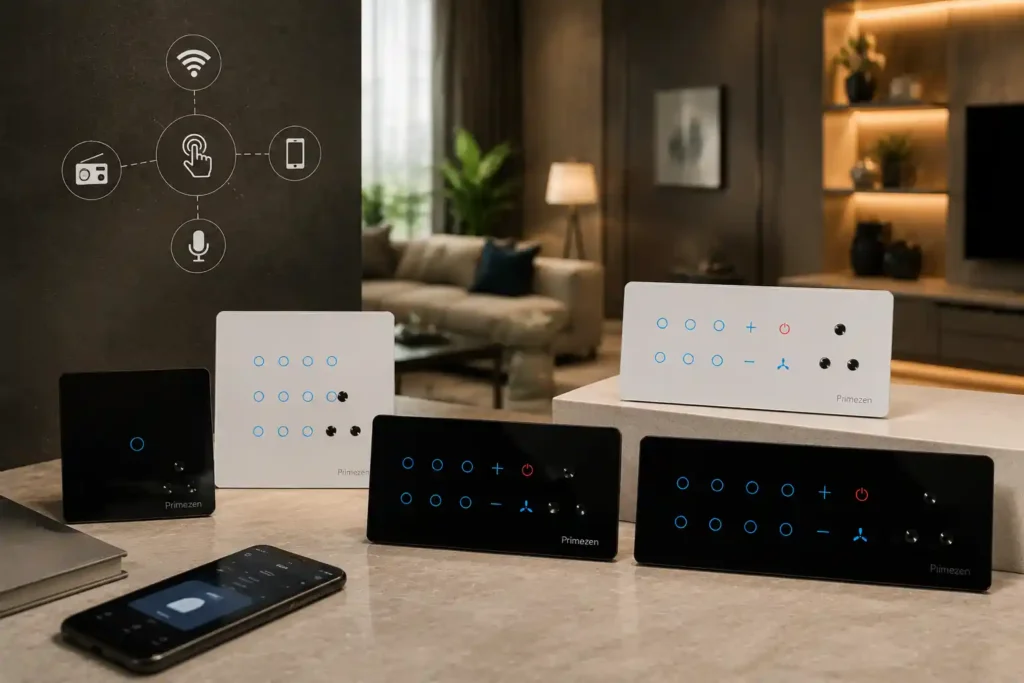
Primezen touch panel switches are designed for modern homes that demand both style and functionality. They feature premium tempered glass, responsive capacitive touch controls, integrated fan regulation, and support for advanced smart home technologies. Depending on the model, Primezen switches offer Wi-Fi connectivity, mobile app control, voice assistant compatibility, and dependable manual operation, ensuring your lights and appliances remain accessible even during internet outages.
Frequently Asked Questions
Do touch panel switches stop working without internet?
No. Manual touch operation continues to work even if your internet connection is unavailable.
Can I turn my lights on manually during a Wi-Fi outage?
Yes. The touch panel functions like a regular wall switch for local control.
Does voice control require internet?
Yes. Amazon Alexa, Google Assistant, and similar voice assistants generally require an internet connection to process voice commands.
Is RF better than Wi-Fi?
RF offers excellent local reliability without needing internet, while Wi-Fi provides additional features like remote access and app control. The better choice depends on your specific needs.
Can I control my home remotely without internet?
No. Remote access from outside your home typically requires both your home network and your smartphone to have an active internet connection.
Conclusion
Touch panel switches are designed to offer convenience, reliability, and smart functionality. The good news is that they don’t become useless when the internet goes down. Manual touch controls and, in many cases, RF-based operation continue to function seamlessly, ensuring uninterrupted control of your lights, fans, and appliances.
If remote access, app control, and voice commands are important to you, choose a Wi-Fi-enabled model. If you prioritize dependable local operation regardless of internet availability, an RF-based solution is an excellent choice. For the ultimate smart home experience, consider a touch panel switch that combines both technologies.